Step 2 - Publish Arcadia app with a NGINX Plus Ingress Controller
It’s time to publish Arcadia application externally from the Kubernetes cluster.
Deploy the NGINX Plus Ingress Controller
Now, Arcadia App is running in the Kubernetes Cluster. We need a solution to publish it externally (using Kubernetes front end IP addresses) and routing the packets to the right pods (main, back, app2, app3)
To do so, I prepared a kubectl Kubernetes Deployment in YAML.
Steps:
SSH from jumphost commandline
ssh ubuntu@10.1.1.8(or WebSSH andcd /home/ubuntu/) to CICD ServerRun this command
kubectl apply -f /home/ubuntu/k8s_ingress/full_ingress_arcadia.yamlYou should now see a new namespace
nginx-ingressand a new ingress in the Kubernetes Dashboard on the JumphostCheck the Ingress
arcadia-ingress(in thedefaultnamespace) by clicking on the 3 dots on the right andeditScroll down and check the specs

spec:
rules:
    - host: k8s.arcadia-finance.io
    http:
        paths:
        - path: /
            pathType: ImplementationSpecific
            backend:
            serviceName: main
            servicePort: 80
        - path: /files
            pathType: ImplementationSpecific
            backend:
            serviceName: backend
            servicePort: 80
        - path: /api
            pathType: ImplementationSpecific
            backend:
            serviceName: app2
            servicePort: 80
        - path: /app3
            pathType: ImplementationSpecific
            backend:
            serviceName: app3
            servicePort: 80
Note
You can see the Ingress is routing the packets to the right service based on the URI.
Note
Now, Arcadia is available for customers.
Steps:
In Edge Browser, click on the bookmark
Arcadia k8sClick on
LoginLogin with
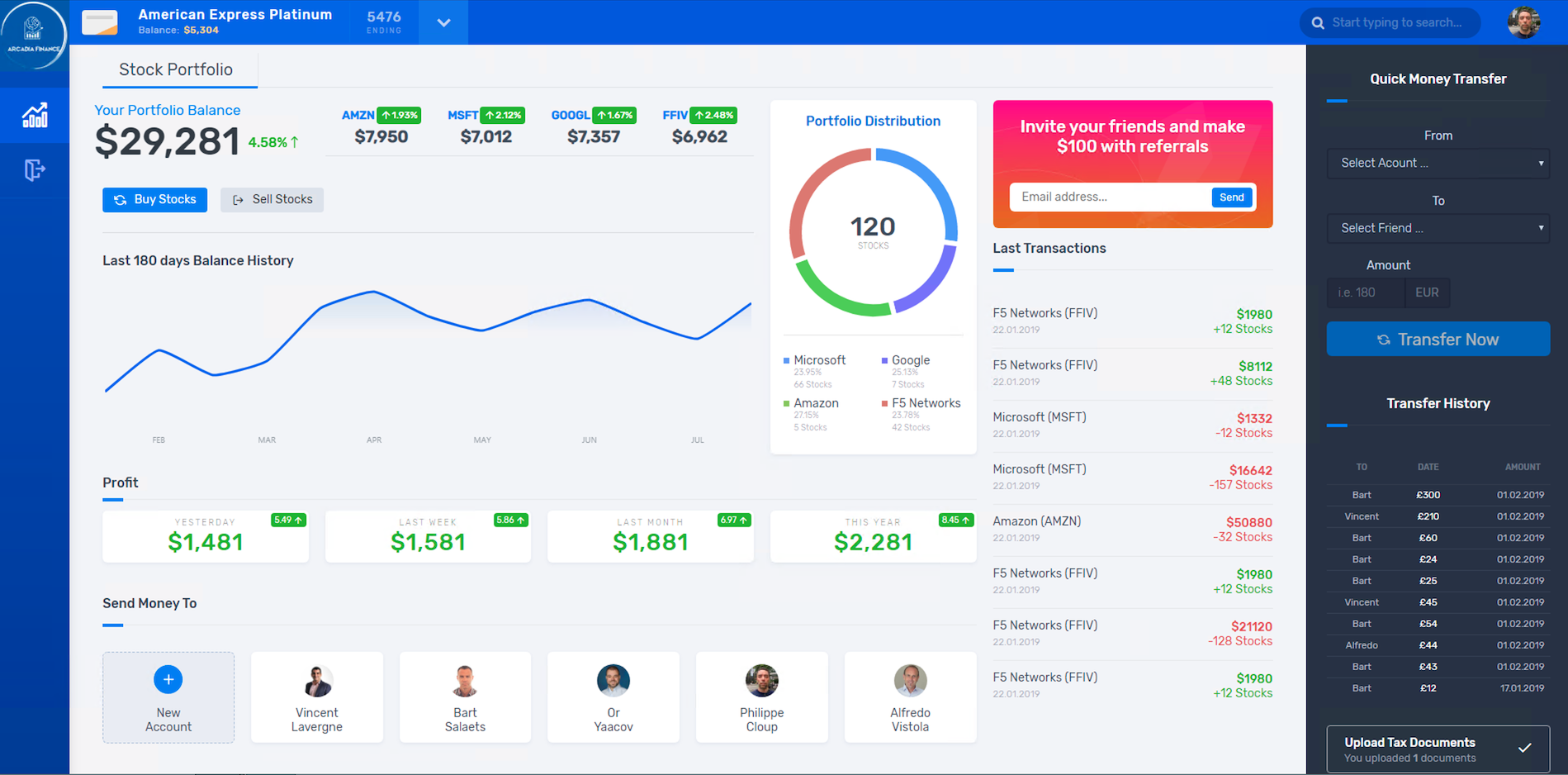
matt:ilovef5You should see all the apps running (main, back, app2 and app3)