
Step 10 - Deploy App Protect via CI/CD pipeline
Step 10 - Deploy App Protect via CI/CD pipeline
In this module, we will install NGINX Plus and App Protect packages on CentOS with a CI/CD toolchain. NGINX teams created Ansible modules to deploy it easily in a few seconds.
Note
The official Ansible NAP role is available here https://github.com/nginxinc/ansible-role-nginx-app-protect and the NGINX Plus role here https://github.com/nginxinc/ansible-role-nginx
Uninstall the previous running NAP
SSH to the App Protect in CentOS VM
Uninstall NAP in order to start from scratch
sudo yum remove -y app-protect*
Uninstall NGINX Plus packages
sudo yum remove -y nginx-plus*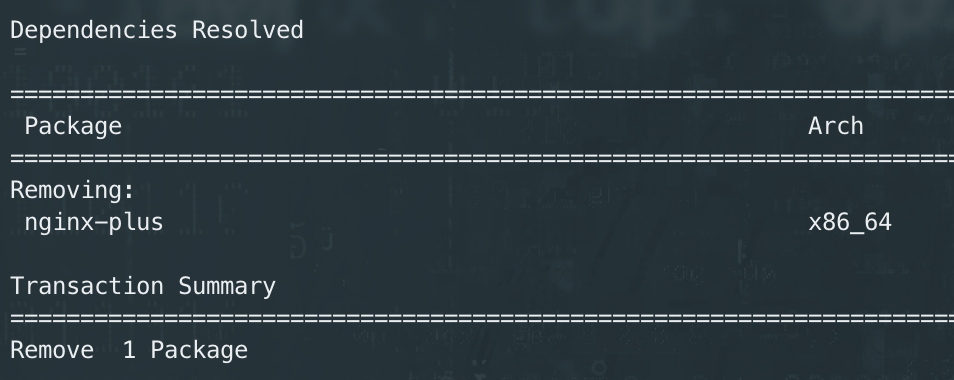
Delete/rename the directories from the existing deployment
sudo rm -rf /etc/nginx
sudo rm -rf /var/log/nginx
Run the CI/CD pipeline from Jenkins
Steps:
RDP to the Jumphost with credentials
user:userOpen
Chromeand openGitlab(if not already opened)Select the repository
ansible-deployand go toCI /CD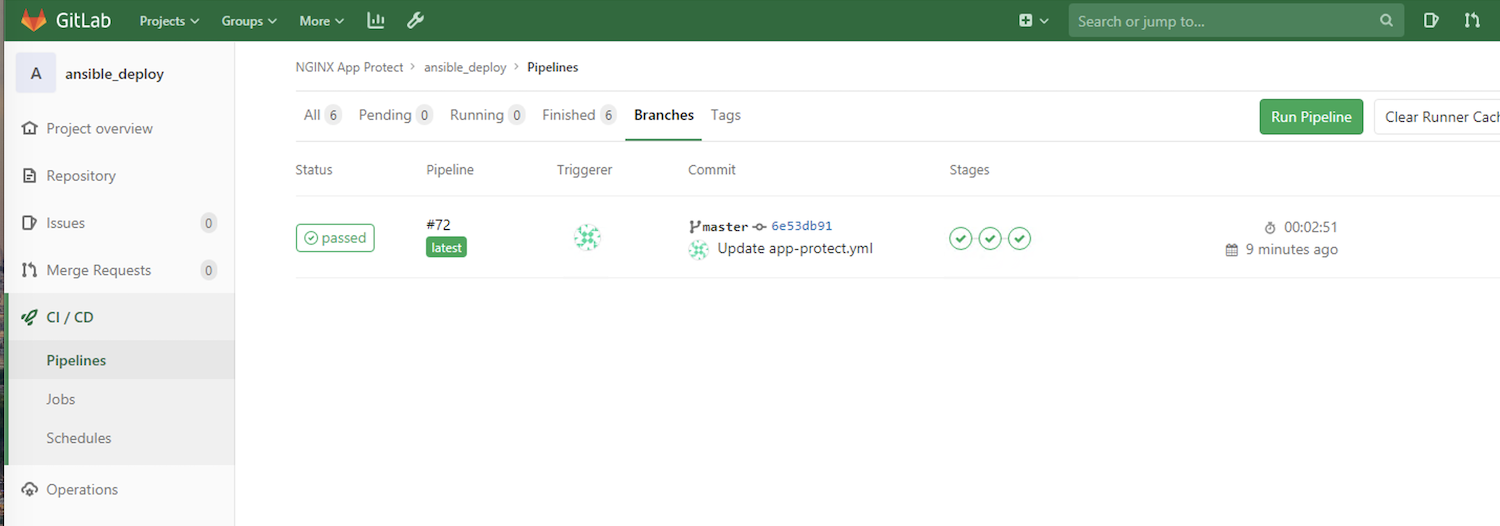
The pipeline is as below:
stages:
    - Requirements
    - Deploy_nap
    - Workaround_dns

Requirements:
    stage: Requirements
    script:
        - ansible-galaxy install -r requirements.yml --force

Deploy_nap:
    stage: Deploy_nap
    script:
        - ansible-playbook -i hosts app-protect.yml

Workaround_dns:
    stage: Workaround_dns
    script:
        - ansible-playbook -i hosts copy-nginx-conf.yml
Note
As you can notice, the Requirements stage installs the requirements. We use the parameter --force in order to be sure we download and install the latest version of the module.
Note
This pipeline executes 2 Ansible playbooks.
One playbook to install NAP (Nginx Plus included)
The last playbook is just there to fix an issue in UDF for the DNS resolver
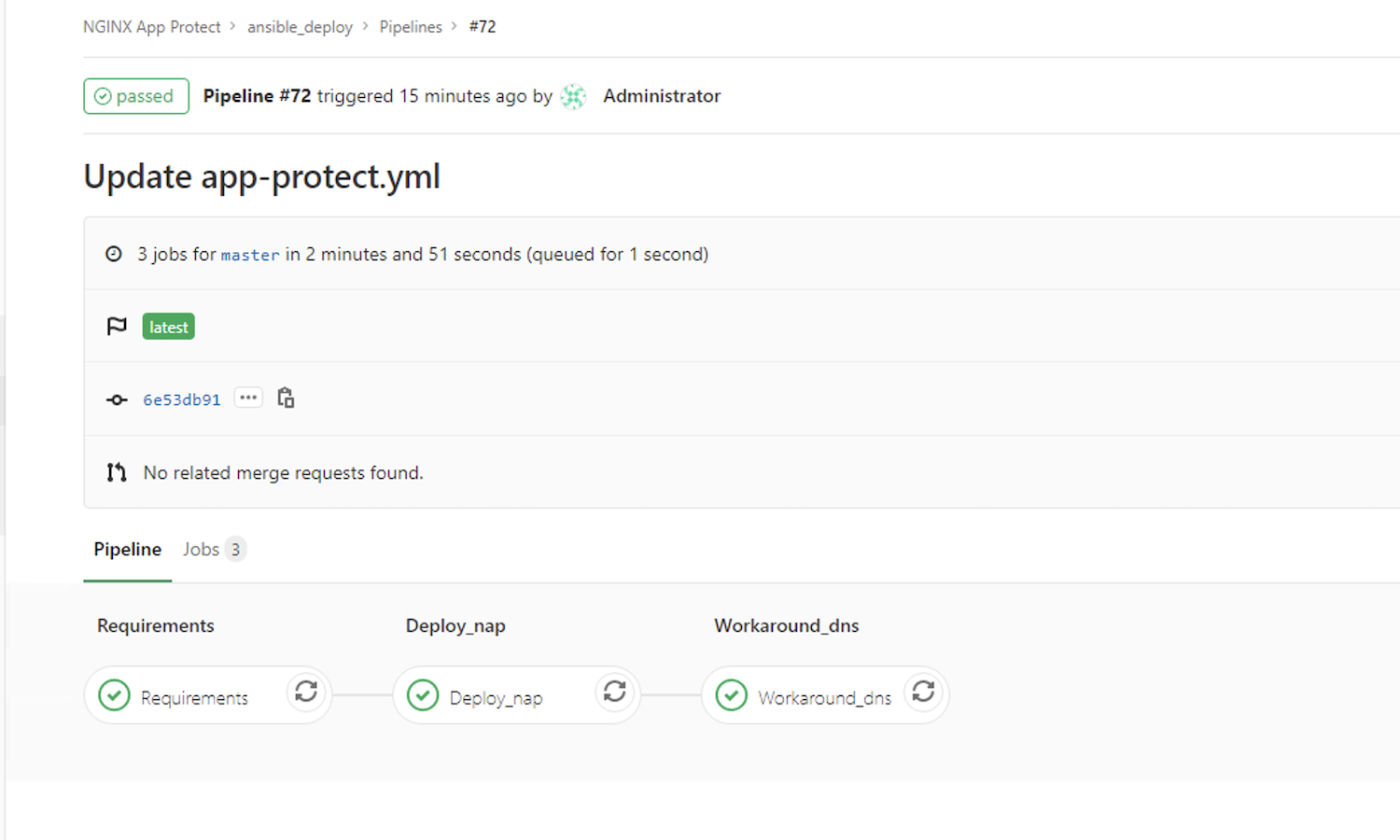
When the pipeline is finished executing, perform a browser test within Chrome using the Arcadia NAP CentOS bookmark
Note
Congrats, you deployed NGINX Plus and NAP with a CI/CD pipeline. You can check the pipelines in GitLab if you are interested to see what has been coded behind the scenes. But it is straight forward as the Ansible modules are provided by F5/NGINX.